MAP 01
Color
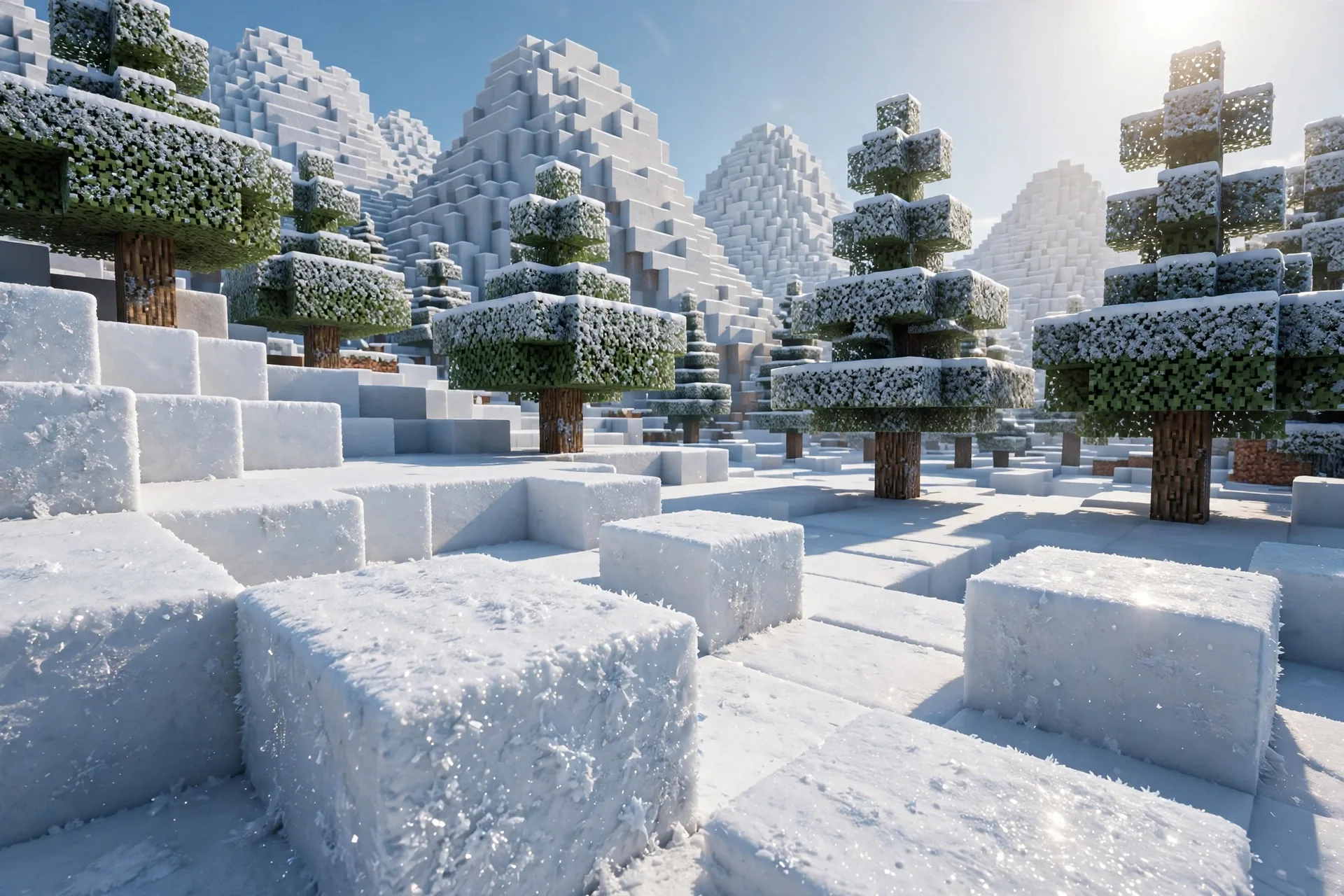
The photoreal surface itself — quarried stone, split timber, packed snow — captured with the saturation discipline that keeps water, foliage, and ore looking natural instead of neon.
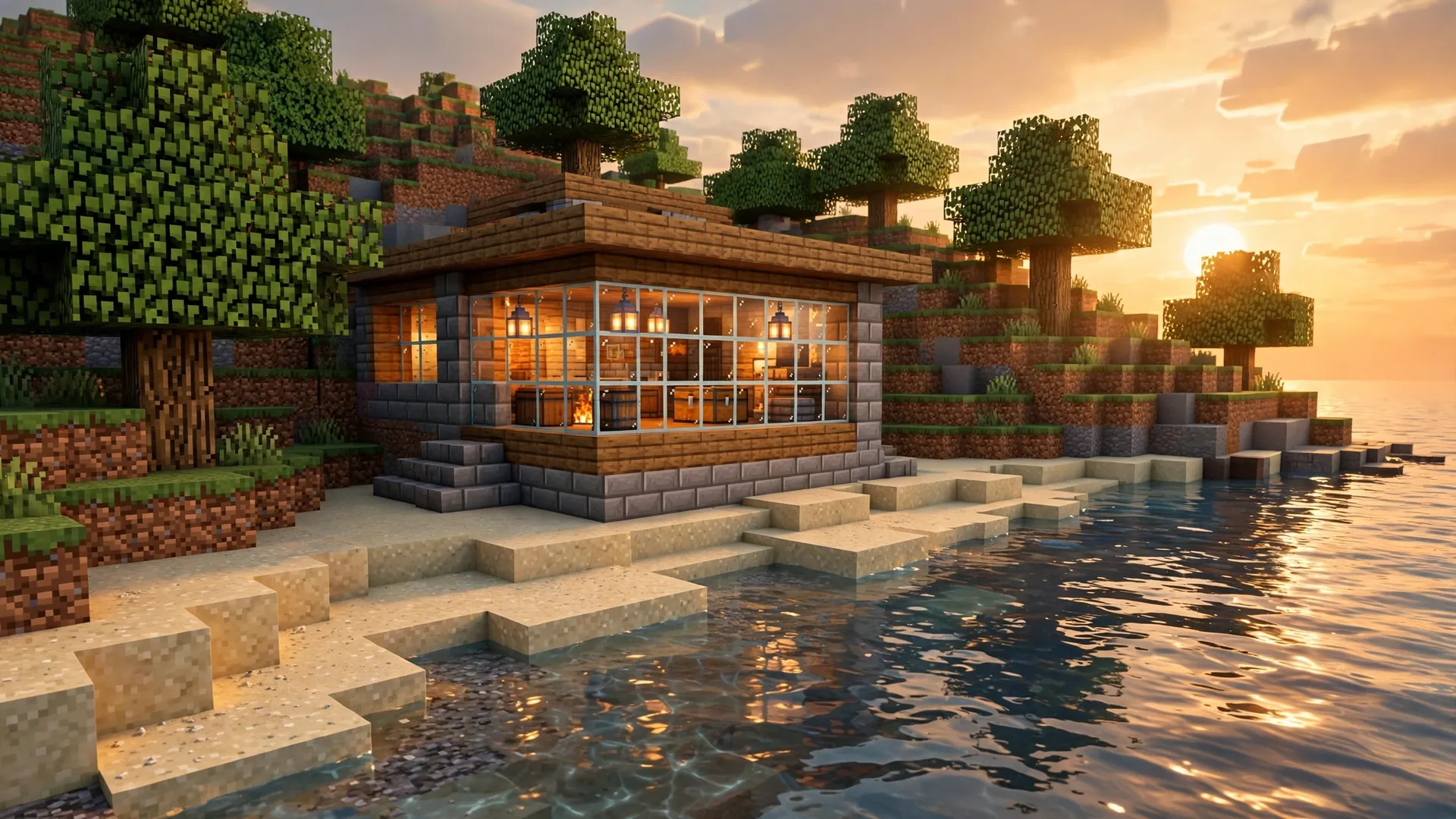
Overly · RTX texture studio
Overly builds texture packs the way materials actually behave — real surfaces, real depth, and light that bounces, reflects, and glows the way it should under ray tracing. Start free at 64×, or go all the way to 1024×.
Featured pack
Photorealistic PBR textures for Minecraft Bedrock with ray tracing. Real light, real materials, real depth — every block rebuilt as a full PBR material set, in four editions from a free 64× to a flagship 1024×.
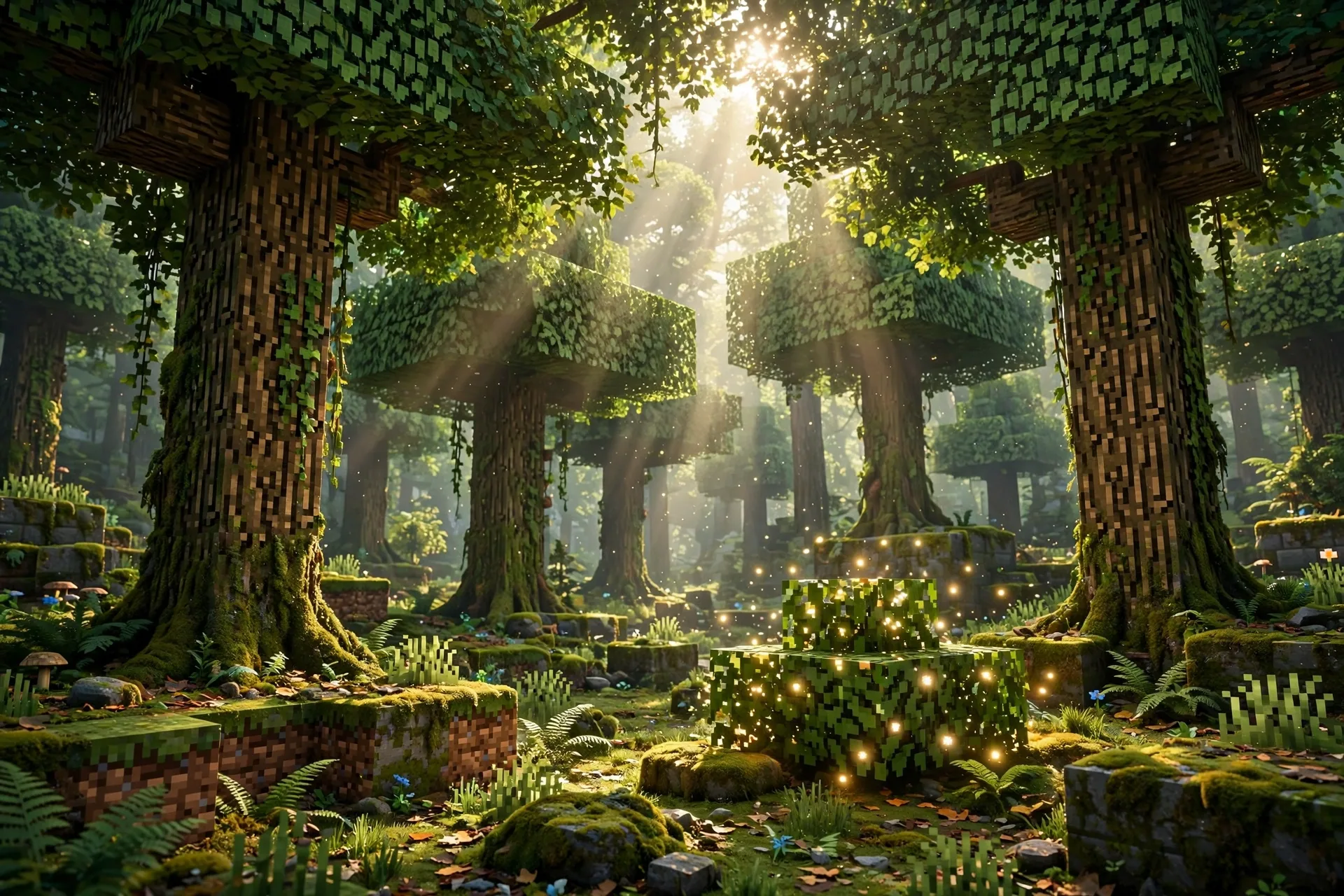
The complete block library, rebuilt photoreal — stone you can read, wood with grain and wear, snow that sits like snow. Same pack at every tier; only the resolution changes.
Gallery
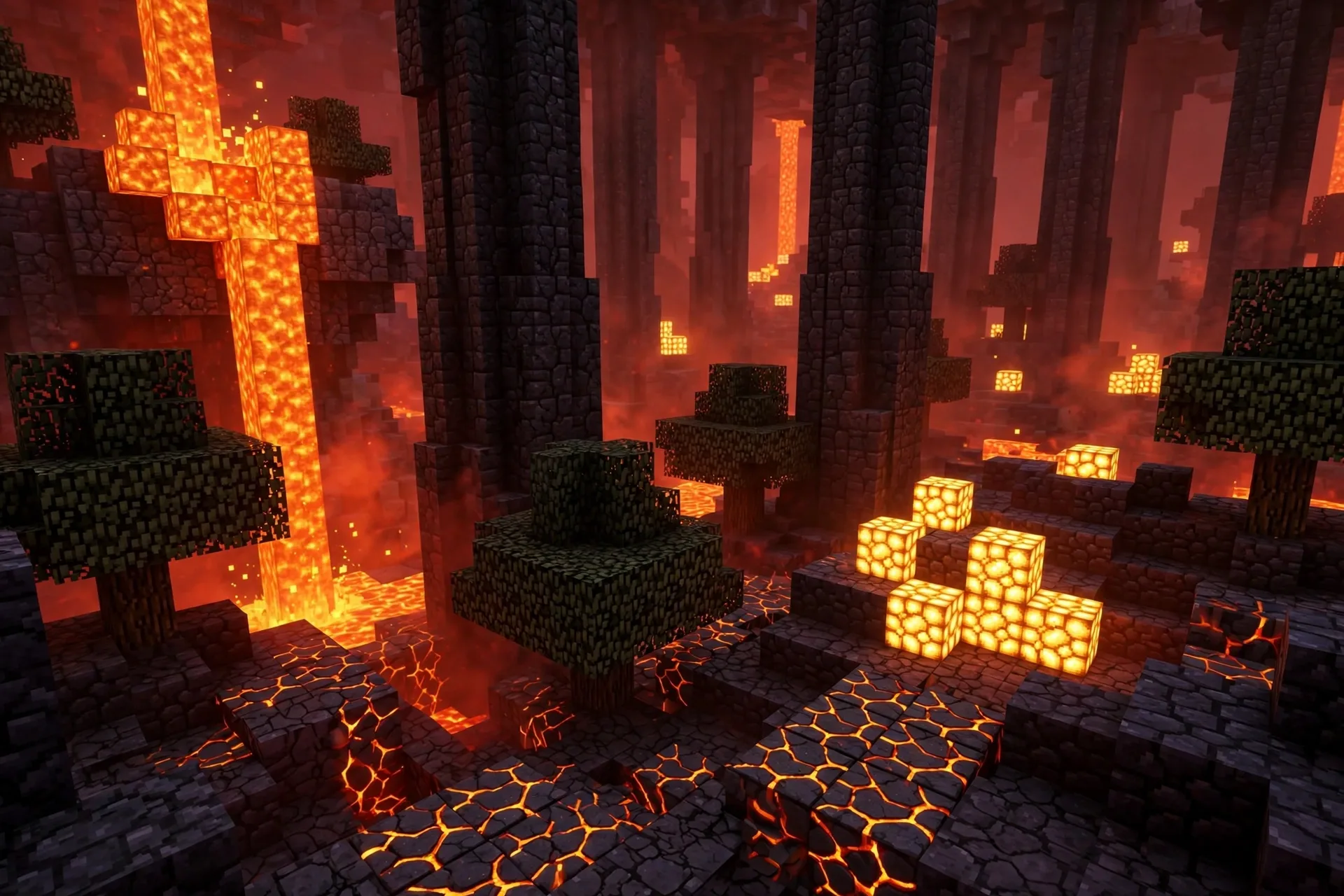
Every surface ships with its own height and material maps, so light rakes across stone, pools on water, and dies into moss exactly where it should. Tap any shot to view it full-screen.
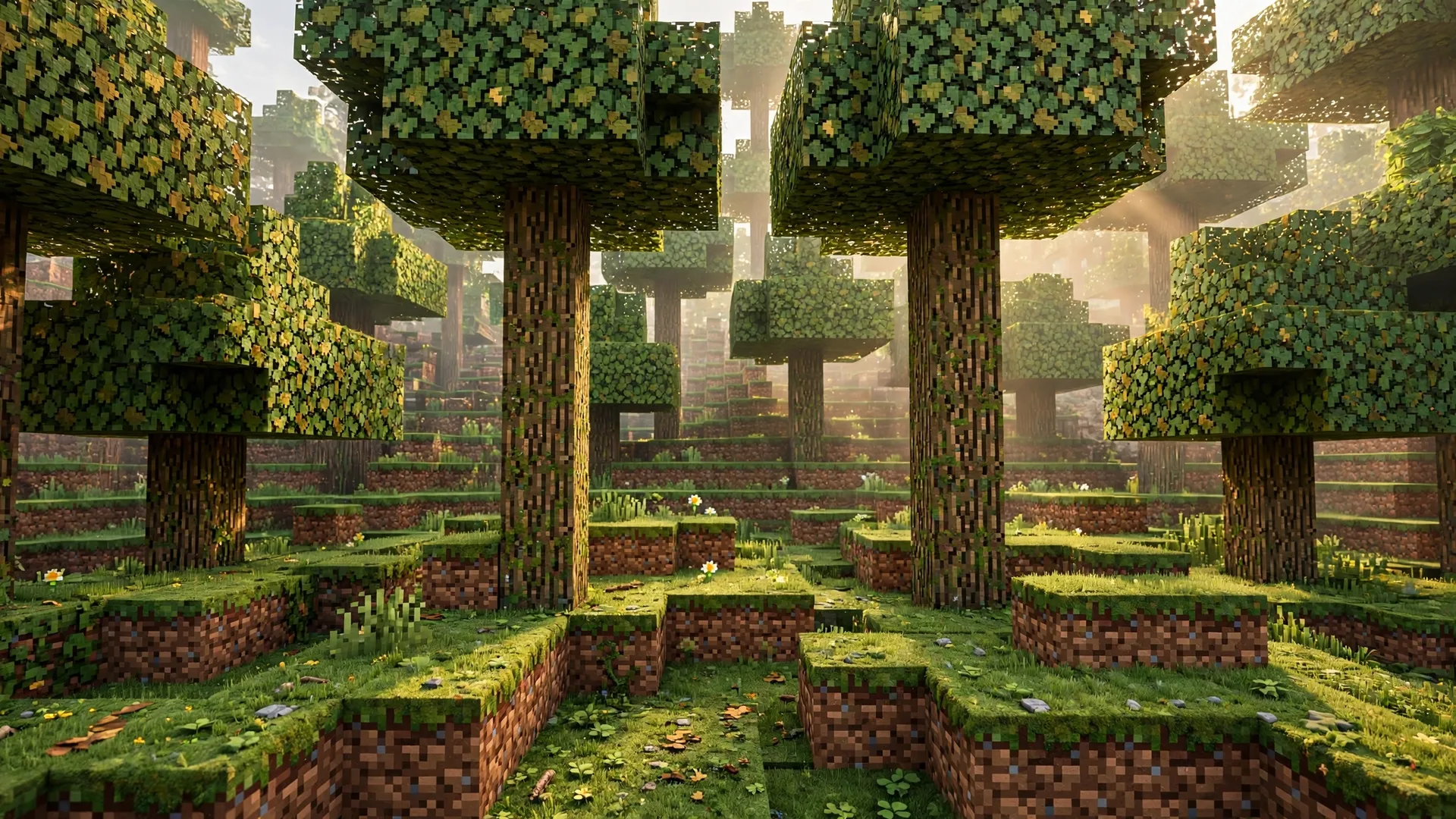
Why it looks different
A flat texture can only fake so much. Overly packs carry the full PBR set Bedrock's ray tracer reads, so surfaces respond to light instead of just being lit by it.
MAP 01
The photoreal surface itself — quarried stone, split timber, packed snow — captured with the saturation discipline that keeps water, foliage, and ore looking natural instead of neon.
MAP 02
Real depth baked into every texture. Mortar lines sink, bark ridges rise, rail steel stands proud of its ties — and low sun rakes across all of it, so blocks stop reading as flat cubes.
MAP 03
Metalness, emissive, and roughness in one map. It's what makes wet stone shine differently from dry stone, polished metal mirror a sunset — and what lets the glow accents below actually emit light in RTX.
Signature detail
Each biome gets a single emissive accent — chosen, tuned, and placed so your world has a light worth walking toward, wherever you are. These don't just look bright; in RTX they throw real light onto everything around them.
The catalog
Overly PBR Realism is the first release. The studio's bench is already full — here's what's out, what's in production, and where the shelf goes next.
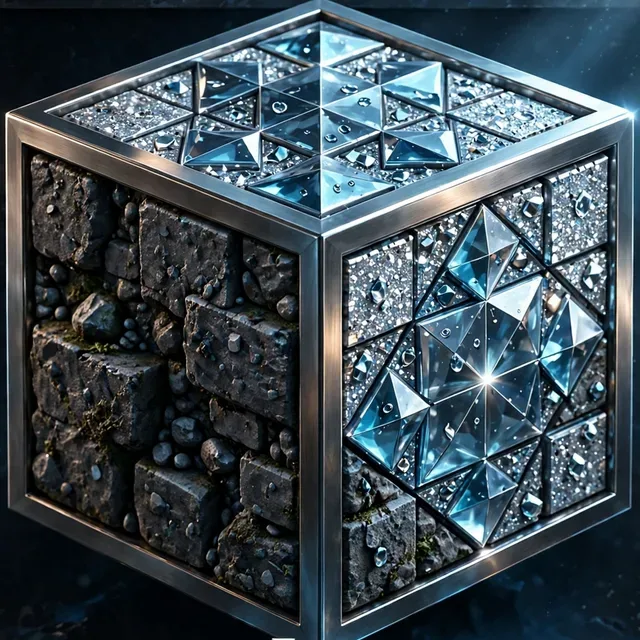
1,220 photoreal PBR block textures — the full block library with normals, MER maps, and a per-biome glow accent. Free at 64×, plus 256×, 512× and 1024× editions.
Compare editions
The expansion already on the bench: 800+ item textures — weapons, tools, armor icons, food, potions — plus animal skins and worn armor built on their true model layouts.
How upgrades will workNew RTX packs are in development at the studio now. Each one gets the same treatment: full PBR material sets, tuned emissives, and in-game verification before it ships.
Start with PBR RealismGet the pack
One pack, four editions. Every edition carries the same 1,220 blocks, the same color, normal and MER maps, and the same per-biome glow — the only difference is texture resolution. Start free at 64× to see it in your world, then step up when you want the detail closer.
Prices are locked: 256× is $4.99, 512× is $9.99, and 1024× is $13.99 — the 64× edition is free. The Overly storefront is being set up on Gumroad right now. When it opens, Gumroad handles payment, delivery, and update emails for the paid editions — and the free edition, at no charge. Until the buttons below go live, checkout isn't taking orders yet.
For launch week only, every paid edition is half price. Enter the code at Gumroad checkout. The free 64× edition stays free throughout.
50% OFF
LAUNCH5064×
Free Edition
The full pack, free — the honest way to try photoreal RTX in your own world before you spend anything.
Free · no card needed at checkout
256×
256× Edition
The balanced edition — crisp photoreal detail at a size that runs comfortably on RTX hardware.
Launch week: $2.50 with code LAUNCH50
512×
512× Edition
Four times the pixels of 256× — grain, mortar, and wear hold up when you stand right up against a wall.
Launch week: $5.00 with code LAUNCH50
1024×
1024× Edition
Maximum detail, no compromises — every surface at full 1024× for high-end RTX PCs and close-up screenshots.
Launch week: $7.00 with code LAUNCH50
Install guide
Bedrock makes this easy — one thing trips people up: for ray tracing to switch on, the pack has to be activated on the world itself, not just in global settings.
1
After checkout, Gumroad gives you the download right away and emails you a receipt with the link. Save the .mcpack file somewhere you can find it.
2
Open the .mcpack file. Minecraft Bedrock launches and imports the pack automatically — you'll see a success message when it's in.
3
Open your world's settings, go to Resource Packs, and activate Overly PBR Realism for that world. World-level activation is what unlocks the ray-tracing toggle.
4
In the world's video settings, switch Ray Tracing on. Load in, give chunks a moment to relight — then go look at water at sunset.
Questions
Bedrock. Overly packs are built for Minecraft Bedrock's ray-tracing renderer and ship as .mcpack files. They are not Java shader packs and won't import into Java Edition.
Resolution only. The free edition is 64×, and the paid tiers are 256×, 512× and 1024× — all four carry the same 1,220 blocks, the same PBR maps, and the same per-biome glow. Higher resolution means finer surface detail up close and a larger download; if you're not sure, start free at 64× and step up.
Yes — the free 64× edition is the complete block library, not a demo subset. It's the same pack at a lower resolution, so it's also the lightest option for modest hardware.
During launch week, every paid edition is 50% off with code LAUNCH50 — 256× is $2.50, 512× is $5.00, and 1024× is $7.00. Enter the code at Gumroad checkout; the free 64× edition stays free throughout.
For the ray-traced look — real reflections, emissive light, raking shadows — yes, an RTX-capable GPU on Windows Bedrock. The pack still imports and displays its textures on other Bedrock devices, but without ray tracing the lighting effects won't appear.
Once the store opens: buy once on Gumroad and every future version of the pack is emailed to you automatically — no re-buying. When you update, deactivate or remove the old version first, then import the new .mcpack; packs share an ID, so the old one has to step aside.
The Complete Edition — items, mobs, and worn armor on top of the blocks — is in production now. When it ships it will be listed here in the catalog, and existing PBR Realism owners will hear about it first through their Gumroad update email.
Almost always the activation step: the pack must be active on the world itself (World Settings → Resource Packs), not only in global resources. Activate it per-world, reopen video settings, and the ray-tracing toggle lights up.
Your Gumroad receipt is your key — it always carries a fresh download link, and Gumroad support handles payment and delivery issues. For pack issues — a texture that looks wrong in your world — a screenshot and your device/GPU details are the fastest route to a fix in the next update.
Yes — play with it, record with it, stream with it. Showing the pack in your content is welcome; redistributing the pack files themselves is not.